
Principles
Requests use the HTTP Authorization header to both authenticate and authorize operations. The AirSaas API accepts an API Key in this header.
To obtain your API key:
- login to AirSaas
- navigate to your workspace settings
- navigate to the API section using the left bar
- copy your API Key
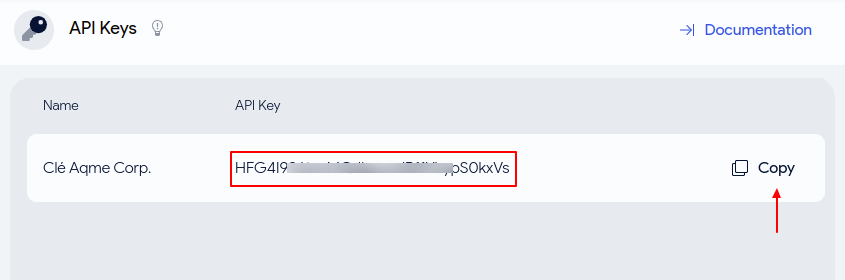
For more information on how to obtain your API key, read our API key guide.
All endpoints documented in this reference require to use the Authorization header with a valid API Key. The header must be in the following format:
// Pseudo code
headers = {
	Authorization: "Api-Key YOUR_API_KEY_HERE"
}
If you don't provide a valid Authorization header, you will get a 401 error.
Example
For example, to get information about yourself, using your APi Key, with Curl:
curl --request GET \
     --url https://api.airsaas.io/v1/profile \
     --header 'Authorization: Api-Key YOUR_API_KEY_HERE' \
     --header 'accept: application/json'